

Everything posted by Riftjaw
-
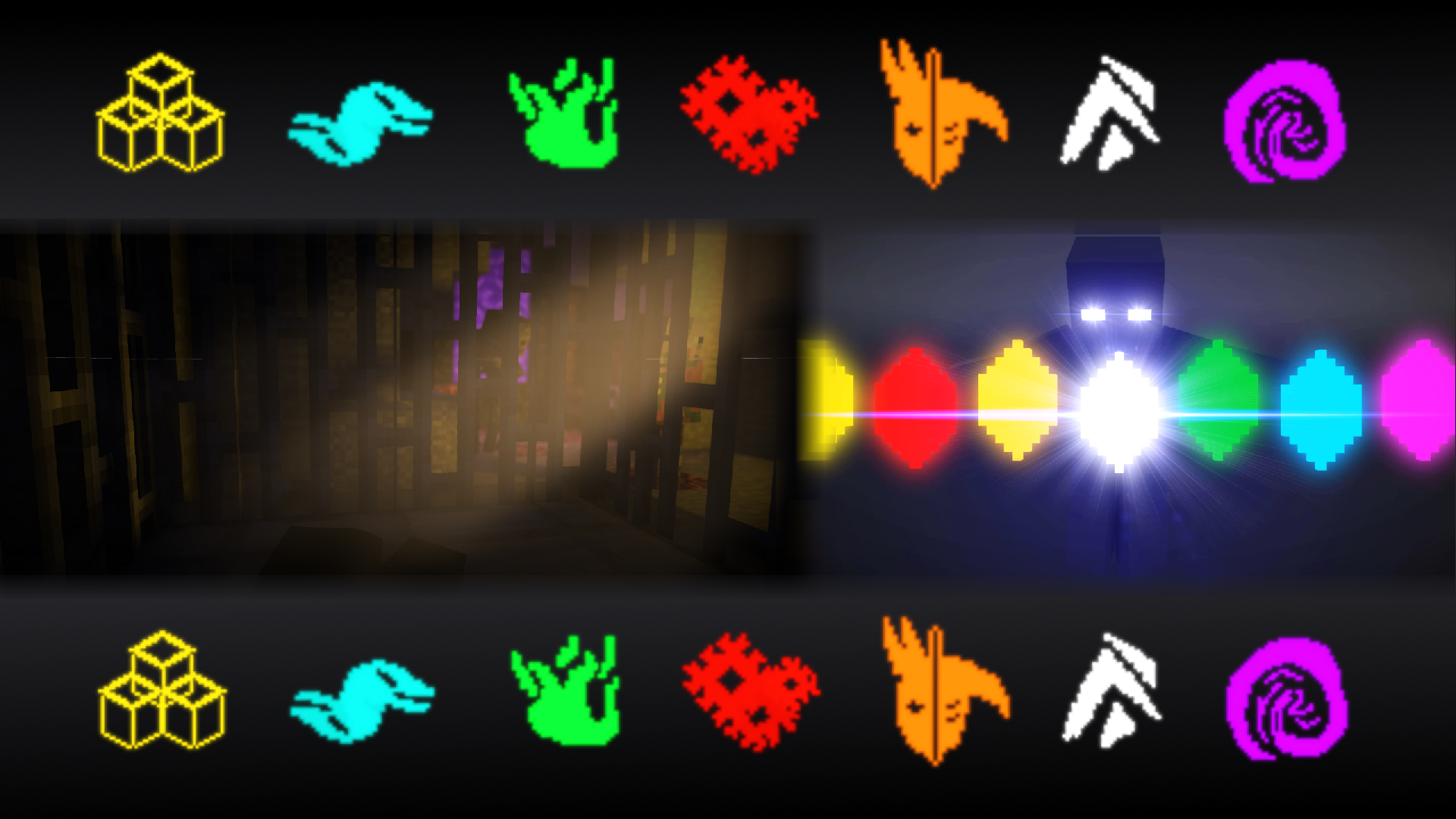
After I finished episode 1 (uploaded on my yt channel) I started on episode 2, and have been unable to progress it fast enough to be done soon. It's partially my fault, and also this episode will probably be longer than the first, but I am looking for some help to finish this episode. The script is finished and 2 scenes are finished animated, but there are multiple others that need to be done. If the trailer above seems interesting to you and you want to help, these are the requirements: You need to be able to finish the project given to you. Do not take what you cannot handle. Must have discord. Do not tell me what yours is here, but through a DM in mineimatorforums. Must be able to do decent animation. If you want to know what I'm looking for, check out the first episode in this series. You don't have to do perfectly, and I can edit things out or around if I need to. (I also find 'base animation' to work off of easier if you feel that's what you can do, it would still help.) A way to receive project files. (gmail, google drive, for example) DM me if your interested. If I accept your help, I will tell you my Discord and invite you onto the server.
-

openslots Need volunteers to make an original Minecraft Series
Riftjaw replied to Duan's topic in Team requests
This looks interesting. Just to let you know, you can't make anything minecraft an official tv show (so I think that would include netflix); but a video series for youtube for example is fine. This is based from the terms for minecraft. You can check into it yourself. I've also been trying to make a series, so I'm really glad to see a dream being made with this! Hope you do well! -
Redwall Renewed full length animation paid position
Riftjaw replied to BRASHEXODUS's topic in Team requests
Do riggers, builders, voice actors, and skinners get paid too? -
Interesting. I would however recommend removing swearing and God's name in vain. I really like this idea, and the original game was something I quite enjoyed. Let me know how this goes!
-
I like it! The color's good.
-
High in the Sky [Wall-E and Eve]
Riftjaw replied to XxxTheRedrocker95xxX's topic in Wallpapers and art
I love the movie this is based on. It looks so much like them! Also, doing mostly non-mc in mine-imator sounds pretty challenging! You've got a real talent for it! -
Impressive!
-
How do you do the reflection?! Also, nice models and render!
-
What was the texture you used? I had the same problem, and it worked on an older version, then wouldn't work on a little newer version. What I found out is that you need the texture(s) with the same name(s) of what textures the .json used in the same folder as the .json file is. Then import the .json file from there. I haven't actually tried this in the newest versions of Mine-imator (it was between 1.2.4-1.2.6 [I think] I had to fix it this way), but you can try this method and let me know if it works.
-
Makes sense. I hope you do well @S3D
-
Having Trouble Importing Projects (I'm a newbie)
Riftjaw replied to DewBobson's topic in Modelbench discussion
Don't call yourself dumb. Don't speak anything negative about yourself, you aren not dumb. You are created in the image of God. -
Nice Job man!
-
You need to have the textures that the block needs/uses (with the same names) into the same folder of the json file. I've had this problem too. That's what worked.
-
It worked! Optimized again, walked around, used mcaselector to delete extra chunks, it worked! Hallelujah!
-
Tried mcaselector, I think I'll have to walk around more. It seems you were right about the problem. thx
-
Nice! It is a little bright, but I like it. Nice job dude!
-
Also, Enable the x y and z bends that you want
-
No, I used a blaze texture to make a different texture, and I'm concerned about copyright, because I din't make the original texture
-
I made a modelbench model/rig that has a texture that was edited off of a blaze texture. Can I upload it?
-
Okay, I can see if I can try that, I think I'm gonna try not using mcaselector first though.
-
The world was updated to 1.16x, that seems to be the problem. When I try to import a 1.16 world, it doesn't work. When I try to import it, this pops up: (the details is extended, but cut off on the image) This is the text: The world I've tried importing is in 1.16 or 1.16.1. I tried importing the world in mine-imator 1.2.7 in the 1.16.1 and 1.16.2 resources. I've seen a problem like this in some other error posts. I thought of trying to load the world in version 1.16.2 in mc before importing, will that work?
-
lol
-
A checkbox in the graphics tab for objects, mobs, items, particles, etc. It would make the object not blur or be otherwise effected by a camera's depth of field when rendered. This would be useful for a Head-Up-Display rig for instance (something I would use this feature for) or any other Gui-based thing like inventories, so that you can blur other things while always focusing on the objects.
-
Me too. I've been having this problem and I saw another post with something like this. I hope that this gets fixed.
-
I'm having a similar problem. I get a message like that when I try to import a world that I turned to 1.16.1

-
Recently Browsing 0 members
No registered users viewing this page.